My Dream Companion App Download Guide
- My Dream Companion does not offer an official iOS or Android app; use it in your mobile or desktop browser.
- Only trust www.mydreamcompanion.com for access—avoid copycat apps and APKs in stores.
- Core features like chat, image generation and paid video calls work on mobile and desktop.
App vs web version
My Dream Companion is accessed via the web browser, whether on mobile or desktop. The experience is broadly similar across platforms, with key features available on both. Here’s how features compare:
| Feature | Desktop Web | Mobile Web |
|---|---|---|
| Chat with AI Companions | Yes | Yes |
| In-chat Image Generation | Yes | Yes |
| Video Generation (paid) | Yes | Yes |
| Voice Messages & Calls (paid) | Yes | Yes |
| Dream Cams & Dream Roulette | Yes | Yes |
| Add to Home Screen | N/A | Yes (iOS/Android) |
The browser-based version on both devices covers all major functions. Some mobile browsers allow you to add the site to your home screen for easier access.
Is there a My Dream Companion app?
There is currently no official My Dream Companion app on the App Store or Google Play. What counts as 'the app' is simply the browser version accessed via www.mydreamcompanion.com. See the table below for clarity:
| Platform | Official App Available? | How to Access |
|---|---|---|
| iOS | No | Browser (Safari/Chrome), Add to Home Screen |
| Android | No | Browser (Chrome/Firefox), Add to Home Screen |
| Desktop/Web | N/A | Browser (any modern browser) |
If you see apps in app stores under similar names, check the developer carefully—they are not the official My Dream Companion.
My Dream Companion on iOS
To use My Dream Companion on an iPhone, you can create an app-like shortcut. This makes it quicker to access and looks similar to a typical app icon.
- Open Safari and go to www.mydreamcompanion.com.
- Tap the Share icon (box with upward arrow).
- Scroll and tap 'Add to Home Screen'.
- Optionally rename the shortcut.
- Tap 'Add' in the top-right corner.
You will now see the icon on your home screen. All features work as they do in the browser; if something isn't loading, double-check you have a stable connection.
Unofficial APKs and clones
We have seen several copycat apps in app stores and on APK sites claiming to be My Dream Companion. Only the website www.mydreamcompanion.com is official. Before installing anything, check the developer’s name and be wary of imitations:
- Official service is from Miracle AI UG, in the browser only.
- "Dream AI Companion" (Forwardpath Technologies LLP) is not official.
- "Dream Companions - AI Chat" (XYG Desain Apps) is not official.
- APKs from third-party sites are not supported and could be unsafe.
- Never pay, download, or enter credentials anywhere except www.mydreamcompanion.com.
To avoid risks, always use the browser version and bookmark the correct site.
Paying for My Dream Companion on mobile
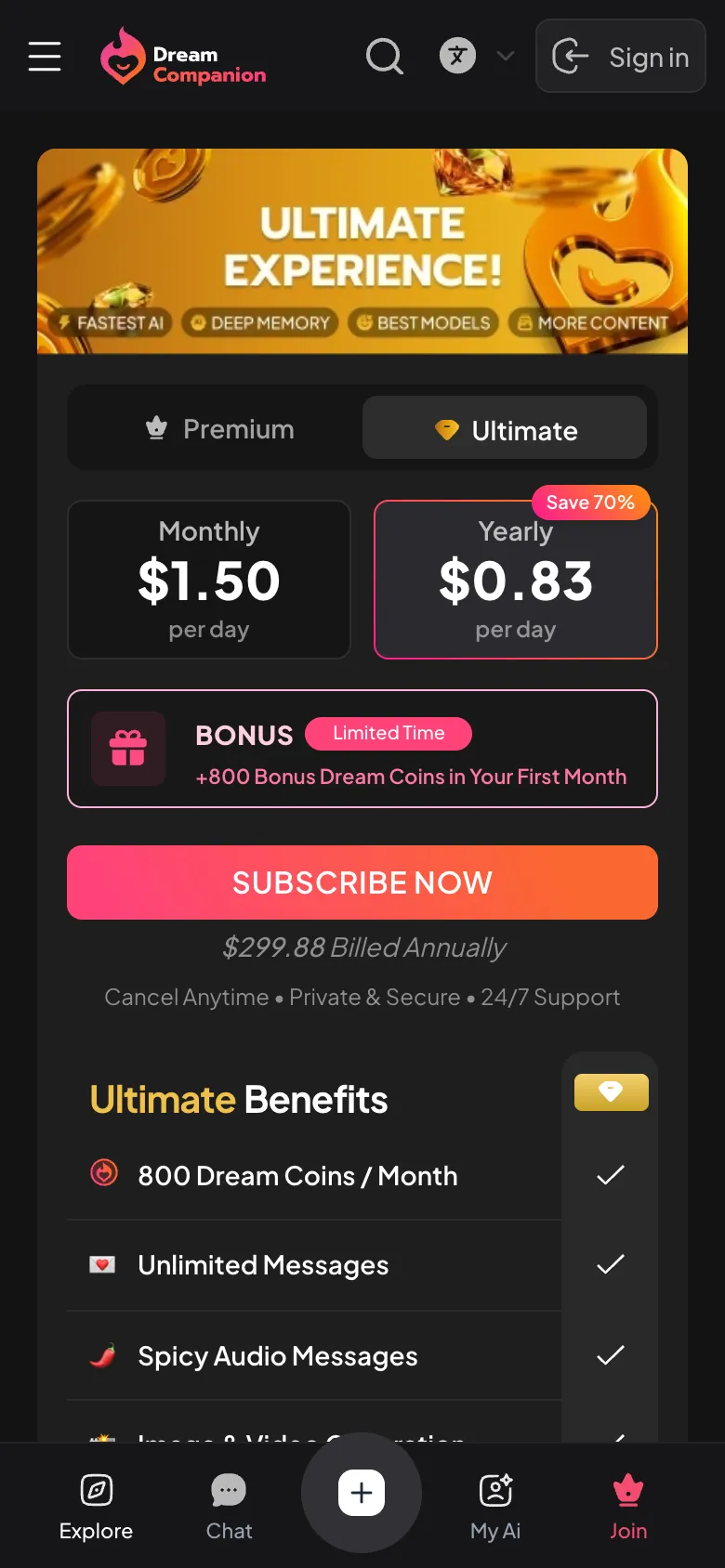
Payments for My Dream Companion are handled directly on the official website, not through Apple or Google app stores. This means if you subscribe or buy Dream Coins on your phone, you are dealing with Miracle AI UG via their web platform. Cancellation must also be managed through the site itself, not your phone’s subscription settings. Supported payment methods include Visa, Mastercard, Apple Pay, and Google Pay. Your bank statement will show 'Miracle AI' as the charge.
Good to know
There is no official Android app. Access My Dream Companion by visiting www.mydreamcompanion.com in your browser and, if you like, add a shortcut to your home screen.
My Dream Companion currently operates only as a browser-based platform. There is no official iOS app available for download in the App Store.
Mobile web browsers may offer limited notification support, but push notifications are not fully supported as there is no official app. Check your browser settings for options.
No official APK exists. Any APKs found online or in unofficial stores are not from the real developers and could be unsafe. Always use the official website in your browser.
Yes, you can use My Dream Companion entirely in your web browser on desktop or mobile. No download is needed.