Is There a My Dream Companion App?
Quick answer: My Dream Companion does not have an official app for iOS or Android as of now. You can access all core features through your mobile or desktop web browser, and avoid unofficial apps that are not from the official mydreamcompanion.com site.
What you get on each device
The My Dream Companion experience stays remarkably consistent between desktop and mobile browsers. You get access to long-term memory chat, in-chat image generation, and group chats no matter the device. Some features, like video generation and Dream Cams, require Dream Coins and are unlocked through a paid plan. Here’s a quick look at feature parity:
| Feature | Desktop Browser | Mobile Browser |
|---|---|---|
| Text chat & memory | Yes | Yes |
| In-chat image generation | Yes | Yes |
| Video generation (paid) | Yes | Yes |
| Voice messages/calls (paid) | Yes | Yes |
| Dream Roulette & Cams | Yes | Yes |
| Group chats | Yes | Yes |
You don’t lose out on major features by using your phone, which makes it easy to pick up chats anywhere.
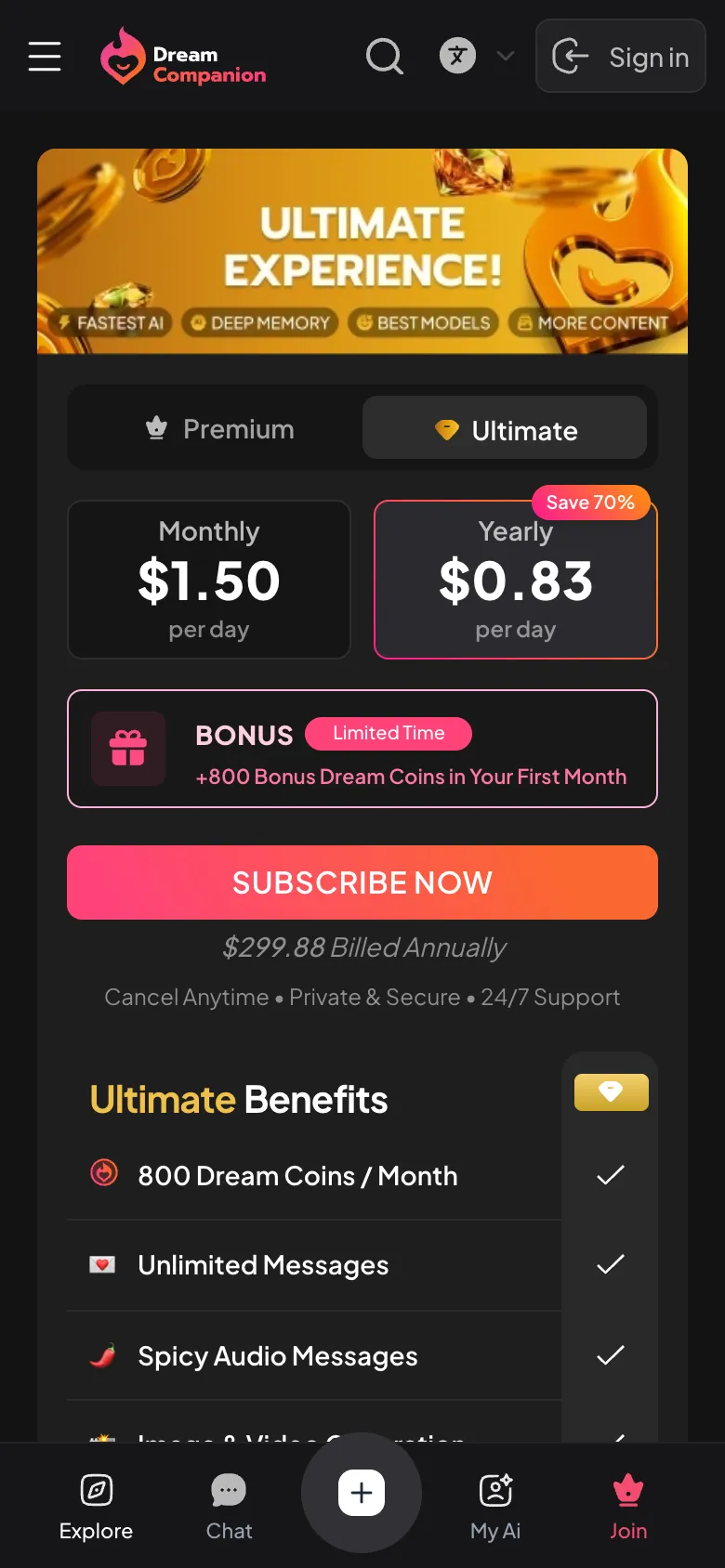
Official My Dream Companion app status
There is currently no official My Dream Companion app available for download on iOS or Android. The only official way to use the service is by visiting www.mydreamcompanion.com in a web browser on your phone, tablet, or computer. Some third-party apps in the app stores use similar names, but these are not affiliated with the real platform. For the full feature set and security, always use the web version provided directly by the creators at mydreamcompanion.com.
Installing My Dream Companion on iPhone
You can add My Dream Companion to your iPhone’s home screen for quick access, making it feel almost like a native app. Here’s how:
- Open Safari and go to www.mydreamcompanion.com.
- Tap the Share button (the box with an arrow pointing up).
- Scroll down and select “Add to Home Screen.”
- Edit the name if you want, then tap “Add.”
Now, you’ll have an icon on your home screen that launches My Dream Companion in its own window, just like an app.
My Dream Companion on Android phones
On Android, the process is similar for adding a shortcut, and there is currently no official APK for download. To get started:
- Open Chrome (or your preferred browser) and visit www.mydreamcompanion.com.
- Tap the three-dot menu in the top right corner.
- Select “Add to Home screen.”
- Change the shortcut name if you like, then tap “Add.”
This gives you a handy icon to jump straight into the web app. Avoid APK files from unofficial sources to keep your account safe.
Where to buy premium on a phone
Purchasing a premium plan on mobile is almost identical to desktop—just visit the official website and go to the subscription page. Payments are processed in USD and include any applicable taxes based on your country and payment method. Options include Visa, Mastercard, Apple Pay, and Google Pay. There is no in-app purchase through the App Store or Google Play; everything runs directly through the secure mydreamcompanion.com site.
Supported devices
You only need a device with a modern web browser and a stable internet connection to use My Dream Companion. Here’s what you’ll need:
- Desktop, laptop, tablet, or smartphone
- Chrome, Safari, Firefox, or Edge browser (latest version recommended)
- Enough storage for cached images and videos
- Reliable Wi-Fi or mobile data
There’s no heavy app to install, so most recent devices should handle the service smoothly.
Good to know
Yes! All features are available directly in your web browser on any device. There’s no need to download an app—just visit www.mydreamcompanion.com and sign in.
There is no official APK for My Dream Companion. Avoid downloading any APKs from third-party sites, as these are not from the real creators and may put your data at risk.
My Dream Companion is currently only available as a web app. The official service has not released an iOS or Android app, so you won’t find it in the App Store or Google Play.