My Dream Companion App Download Guide
There is no official My Dream Companion app for iOS or Android. The only legitimate way to use My Dream Companion is through the official website, www.mydreamcompanion.com, in your mobile or desktop browser. Beware of lookalike apps in app stores.
Fixing mobile issues
If you find that media such as images, audio, or video are not playing correctly in My Dream Companion on your mobile browser, a few practical steps often help resolve the issue:
- Clear your browser cache and cookies
- Update your mobile browser to the latest version
- Check your mobile data or Wi-Fi connection
- Try accessing the site in a different browser
- Remove and re-add any saved shortcut to the home screen
Minor playback hiccups are often due to browser limitations or temporary network glitches, so a quick refresh or switching browsers usually addresses the problem.
Official My Dream Companion app status
Currently, there is no official My Dream Companion app for iOS or Android. The service is provided exclusively via the web browser on both mobile and desktop devices. While some apps in the app stores use similar names, these are from other developers and are not connected to the official My Dream Companion platform run by Miracle AI UG. For full and safe access to all features, always use www.mydreamcompanion.com in your preferred browser.
Watch out for fake My Dream Companion apps
Several apps with similar names appear in app stores and on APK sites, but these are not the official service and may not be safe. To avoid clones, watch for these signs:
- Different developer names (official is Miracle AI UG)
- Vague or copied descriptions
- Missing references to the official website
- Low-quality screenshots or reviews
- Requests for unusual permissions
Install only through www.mydreamcompanion.com in your browser or from official app stores if an official app ever appears. Using clones risks your privacy and security.
Mobile experience
My Dream Companion is fully accessible from mobile browsers, offering core features such as text chat with long-term memory, in-chat image generation with consistent characters, voice messages and calls (using Dream Coins), group chats, Dream Cams, Dream Roulette, and MDC Shorts. Some elements, like video generation and private shows, are also available, but the smaller screen may limit how comfortably you can use multiple functions at once. Creating, deleting, and customising characters is supported from mobile, though complex tasks may feel easier on a larger display.
Discreet use on mobile
For those who prefer privacy, browsing in incognito mode and disabling notification previews can help keep your activity discreet on your mobile device. Note: Purchases show up as "Miracle AI" on your bank statement, without explicit references to My Dream Companion, which adds a layer of billing discretion. Always ensure you log out after use and use strong passwords to protect your privacy.
Will it work on my phone?
To use My Dream Companion on your mobile, you need:
- A modern mobile browser (like Chrome, Safari, or Firefox)
- An up-to-date operating system
- A stable internet connection (Wi-Fi or mobile data)
- Sufficient storage for media caching
Older devices or outdated browsers may have trouble loading media-rich content or running voice features smoothly.
Good to know
Yes, your account data, conversations, and preferences are the same whether you access My Dream Companion from a desktop or a mobile browser, since it is all linked to your login.
Absolutely, My Dream Companion works entirely through your web browser. There is no need to download an app—just visit www.mydreamcompanion.com on any device.
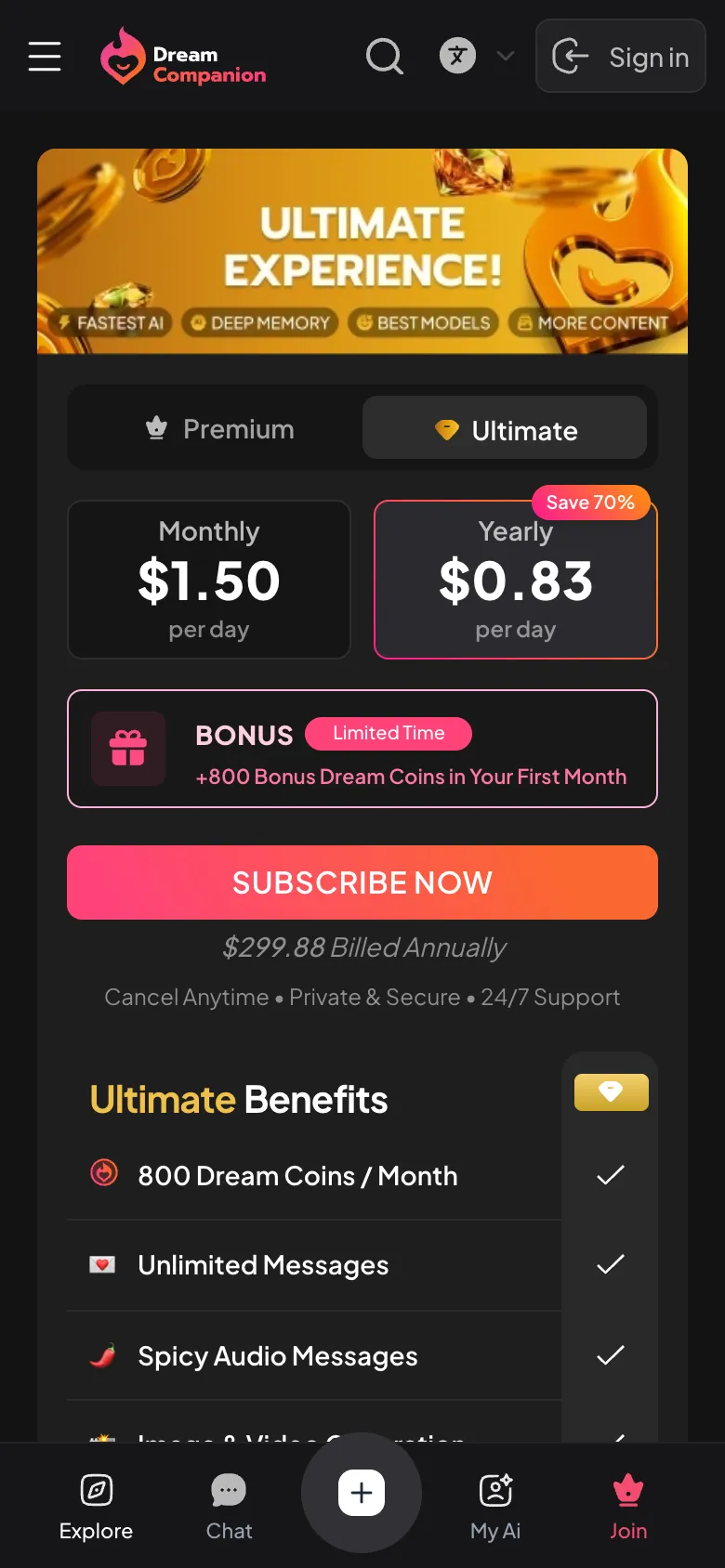
Core features are free, but some advanced options like video generation, private shows, and voice calls require payment with Dream Coins. Premium and Ultimate subscription plans are also available.
No, there is no official My Dream Companion app for iPhone. Use the service through your Safari or other browser by visiting www.mydreamcompanion.com.
No, the official service does not offer an Android app. Use Chrome or your preferred browser to access www.mydreamcompanion.com. Avoid lookalike apps in the Play Store.