My Dream Companion App: iPhone and Android
Quick answer: There’s no official My Dream Companion app for iPhone or Android right now. You use it by visiting the official site in your mobile browser—no download needed.
My Dream Companion app: the short answer
If you’re looking for an official My Dream Companion app on the App Store or Google Play, you won’t find one. The real service is used entirely through your browser, both on iOS and Android devices. Just open your preferred browser (like Safari or Chrome) and go to www.mydreamcompanion.com. There’s no need to download a separate app or APK, and you can access the full experience directly from your phone or tablet, just as you would on a computer.
Unofficial APKs and clones
You might see apps with similar names in app stores or on APK websites, but those are not from the official creators. Apps like “Dream AI Companion” or “Dream Companions - AI Chat” are made by other developers, not Miracle AI UG. Installing unofficial clones puts your privacy and security at risk. Tip: Always check that you’re on www.mydreamcompanion.com in your browser, and never install APKs or apps claiming to be the real thing unless the official site announces them.
My Dream Companion features on your phone
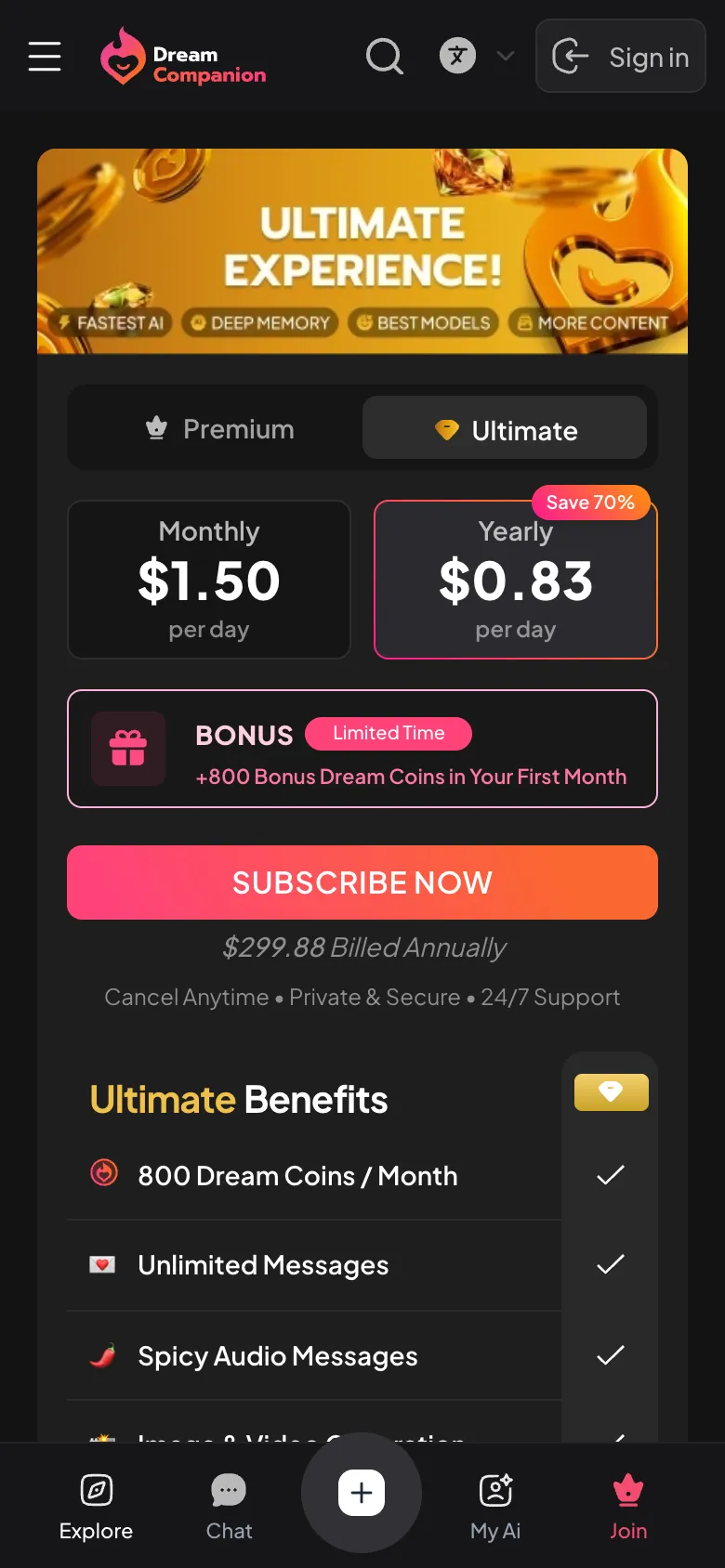
You can access nearly all of My Dream Companion’s features from your phone’s browser. This includes chatting with AI companions, sending and receiving voice messages, generating images, and even joining group chats. If you have Dream Coins, you can use paid features like video generation, voice calls, and private Dream Cam shows. Everything runs in the browser, so there’s no difference in features between mobile and desktop. You can even watch MDC Shorts or try Dream Roulette on the go.
When the app/web app misbehaves
Sometimes the site won’t load properly or you might get stuck on the login page. Here are some quick fixes to try:
| Problem | What to Try |
|---|---|
| Won’t load | Refresh or clear browser cache |
| Login issues | Check your network connection |
| Images/videos not working | Update your browser |
| Slow performance | Close other tabs/apps |
| Shortcut not updating | Re-add browser shortcut |
Usually, a simple refresh or clearing your browser’s cache solves most issues. Keeping your browser up to date helps too.
Device requirements
- Modern web browser (Chrome, Safari, Firefox, Edge)
- Stable internet connection
- Device with up-to-date operating system
- JavaScript and cookies enabled
- No official app install required
If your phone or tablet can run a current browser, you’re good to go. There’s nothing special to install, so just tap the official site and start chatting.
Good to know
No, there’s no official My Dream Companion app for Android. You use it by going to www.mydreamcompanion.com in your browser.
Yes, you don’t need any app. All features are available directly through your web browser on mobile or desktop.
No, there isn’t an iOS app. Just open www.mydreamcompanion.com in Safari or another browser on your iPhone or iPad.
The official service is only available as a web app. Any similarly named apps in the store aren’t from the real developers.
You can use all features in your browser, but push notifications may not work the same way as a native app.